Tools needed
- Smartphone (iOS or Android)
Materials needed
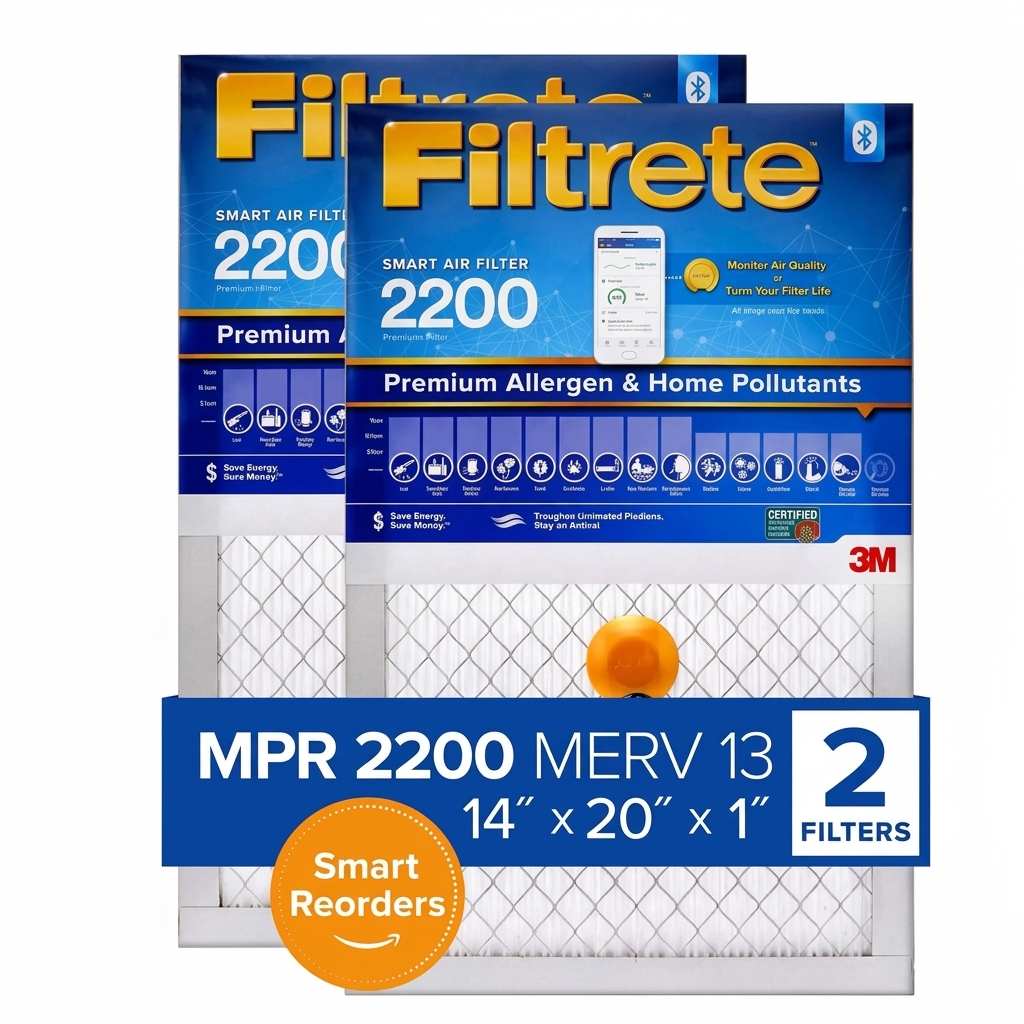
- Filtrete SMART Bluetooth HVAC Air Filter
- Free Filtrete Smart App
Step-by-step
- 1
Shut off your HVAC system at the thermostat for safety before handling the filter slot.
- 2
Unbox your fresh Filtrete SMART filter and ensure the integrated sensor module on the frame is intact.
- 3
Slide your old, dirty air filter out of the furnace return duct slot.
- 4
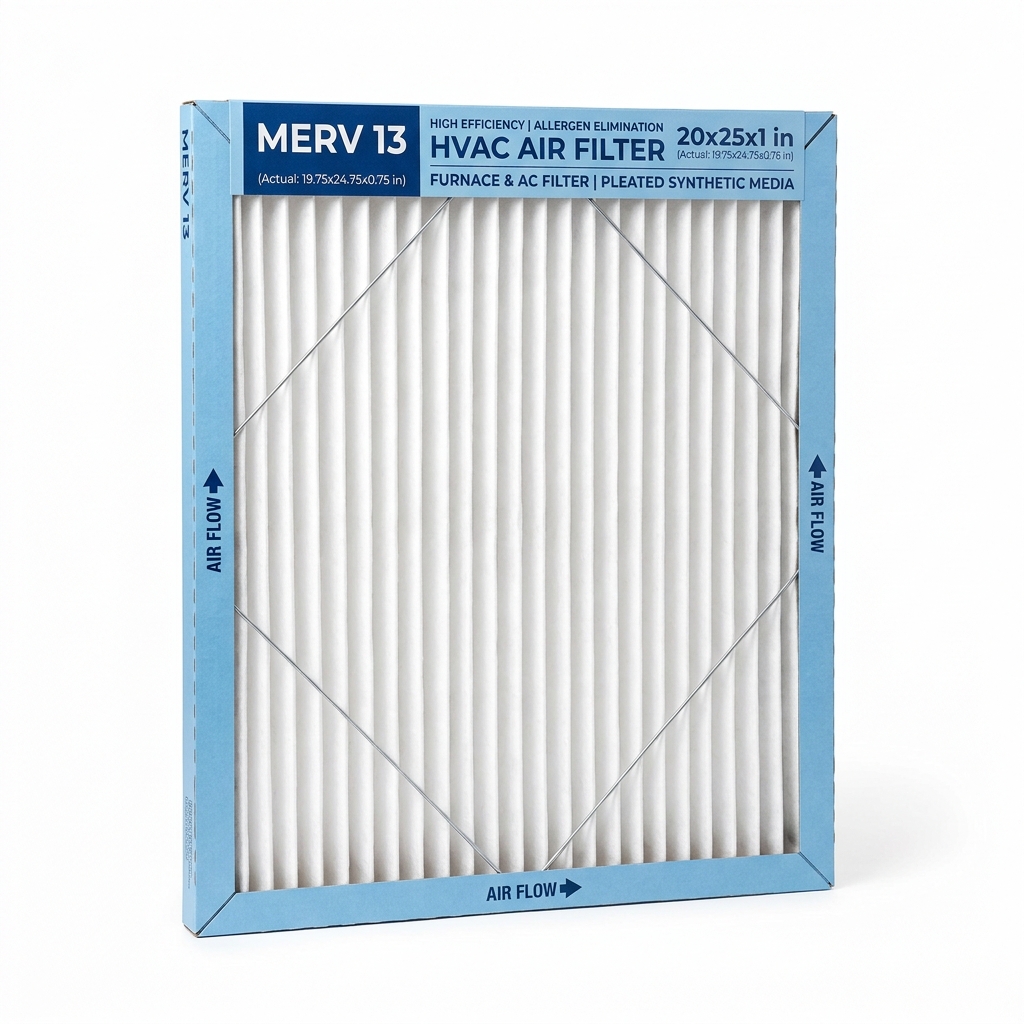
Slide the new Filtrete SMART filter into the slot, making sure the airflow arrows on the frame point toward the furnace blower unit.
- 5
Open the Filtrete Smart App on your smartphone, turn on Bluetooth, and follow the prompts to register and pair the filter's integrated sensor chip.
- 6
Turn your furnace back on at the thermostat. The app will now track active usage and send an automatic push alert when airflow drops.
Common mistakes
- • Installing the filter backwards — the airflow arrows must point toward the blower
- • Trying to pair in the app before Bluetooth is turned on
- • Reusing an old, dirty filter so the app can't track a clean baseline
Maintenance & next steps
Replace the filter when the app sends a low-airflow alert; the new SMART filter pairs automatically for continued tracking.
For sealed or hard-to-access ductwork, or if your furnace uses a non-standard filter size.